
NoCurve Digital presents CrewBarrow
Quote it right.
Get paid on time.
Quotes, invoices, crew work lists and change orders for trade contractors. Built by a builder who got tired of doing the math on paper.
Ready today for hydroseeding and masonry. Decks, tree service and lawn care are on the way.
Sound familiar?
You guessed how much material the job needed, and either came up short or bought too much.
The client asked for "just a little extra," and it never made it onto the invoice.
A lien deadline or a license renewal slipped by while you were busy working.
What CrewBarrow does for you
One place for the whole job, from the first measurement to the last payment.
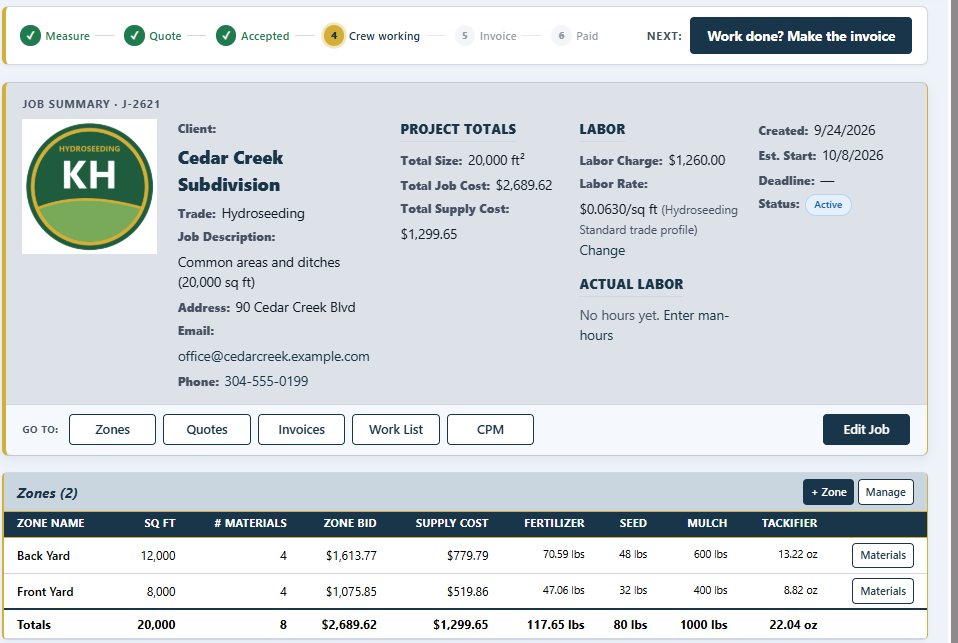
Figures your materials
Enter the size of each area. CrewBarrow works out how much of each material you need, with your overage, in bags, bales or gallons. The job page shows where you are and the one thing to do next.
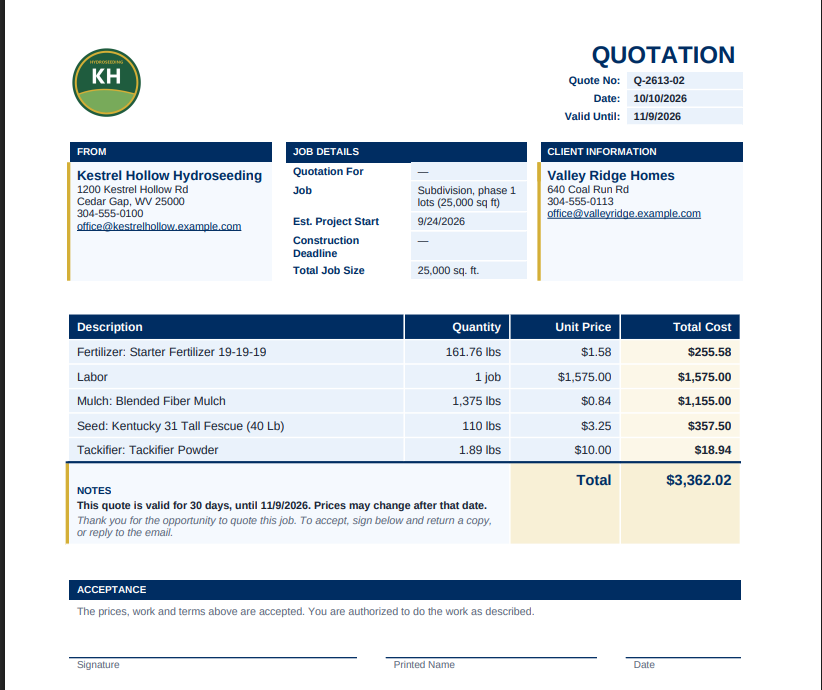
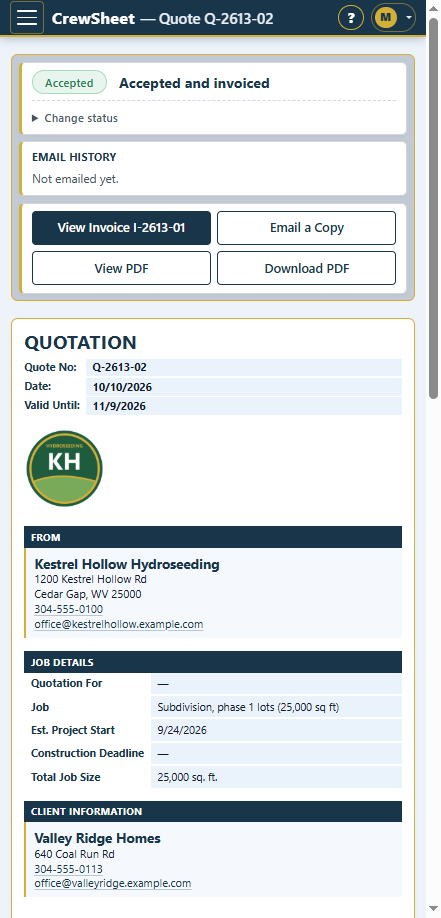
Quotes and invoices from the truck
Professional PDFs with your logo, emailed to the client in one tap. They look right on a computer and on your phone, and you see when each one went out.
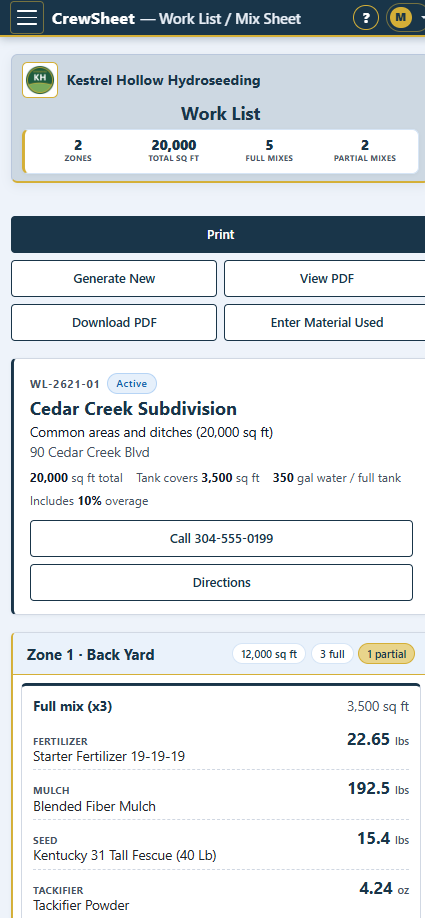
Work lists your crew can follow
Every area, every material and how much of it, on their phone or on paper. One tap to call the client or get directions. Then log what was really used.
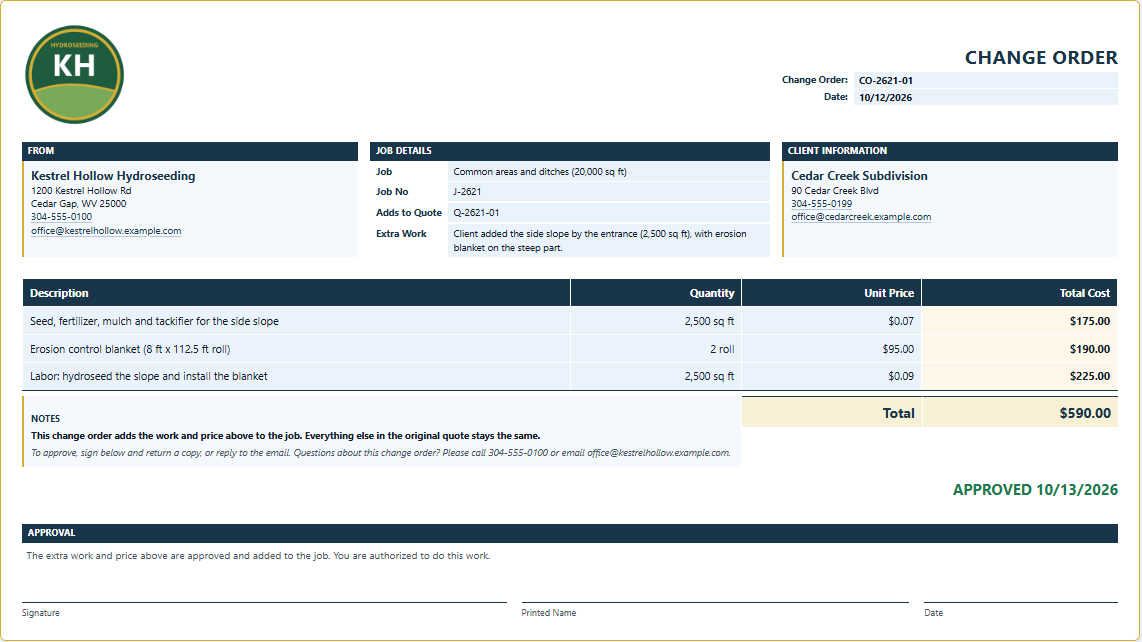
Change orders that get billed
Price the extra work on the spot. Once it's approved, it lands on the invoice, so nothing gets missed.
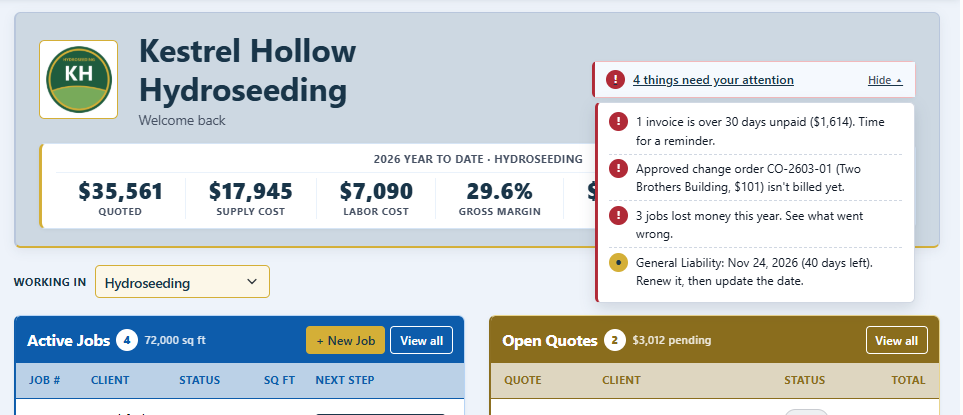
Deadlines you won't miss
Your home page tells you what needs attention: unpaid invoices, change orders not billed yet, lien deadlines, retainage still held, bids due and insurance about to expire.
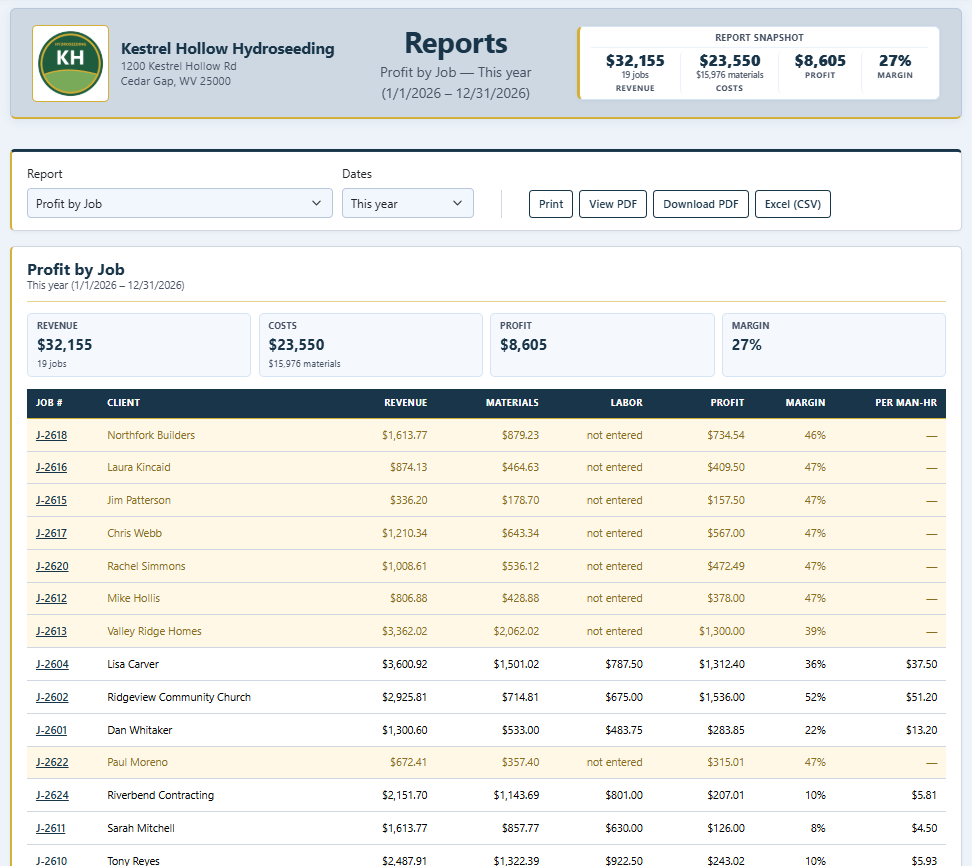
Know which jobs made money
Simple reports on profit, material overage, unpaid invoices and quotes waiting on an answer. Print them, save a PDF or open them in a spreadsheet.
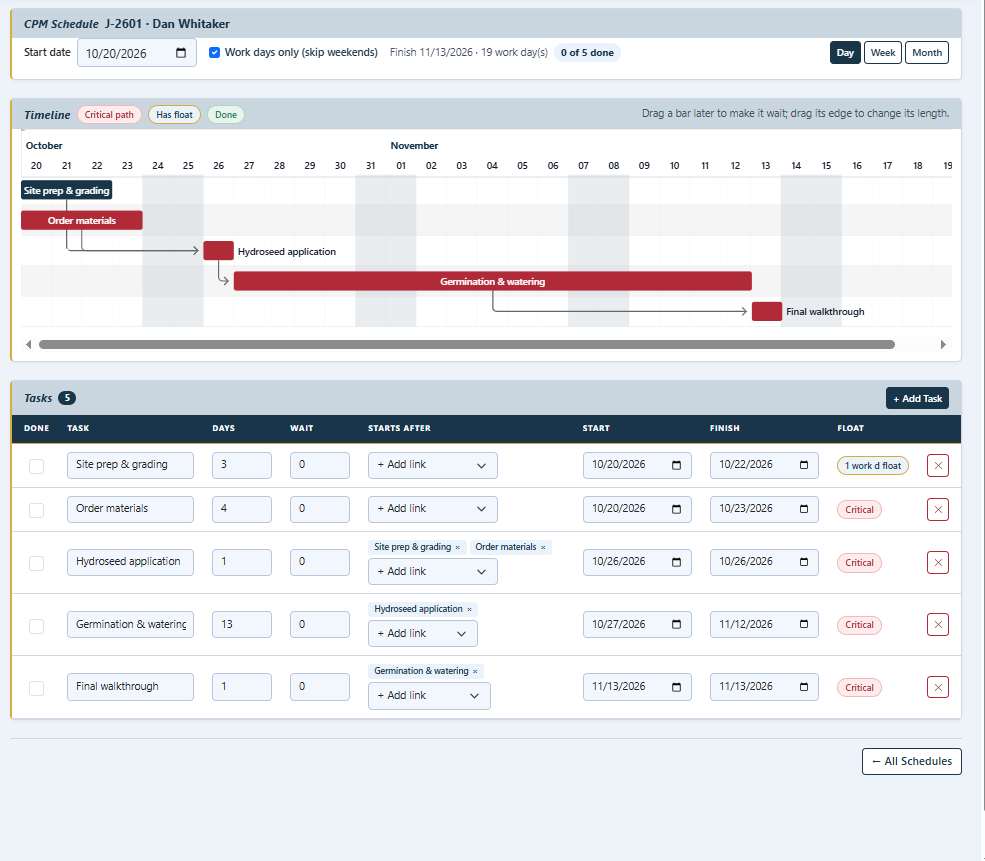
Job schedules without the headache
Plan the steps of a bigger job on a simple timeline (CPM). See what has to happen first, when it finishes, and what can slip.
Screens are from a demo company. Click any screen to see it full size.
How it works
Watch a real job go from the first measurement to paid. Real CrewBarrow screens, nothing staged.
-
1
Set up your company
A short setup asks for your company name, contact info and trade. About 2 minutes. Everything else is asked when you first need it.
-
2
Measure the job
Add the areas of the job and their size. The materials and labor are figured for you.
-
3
Send the quote
Email it to the client. When they say yes, the work list and the invoice are one tap away.
Built by a builder
I'm building NoCurve Digital and CrewBarrow because I got tired of running jobs out of spreadsheets. Contractors deserve clear tools for estimates, quotes, work lists and invoices, without the bloat. My vision is simple: software that fits the way real crews actually work, from the first takeoff to the final bill.
Founder, NoCurve Digital
Pricing
Try everything free for 30 days. No credit card needed to start.
CrewBarrow Lite
$19.99/month
or $199 a year (2 months free)
- Jobs, areas and materials, figured for you
- Quotes, invoices and change orders, emailed as PDFs
- Crew work lists, on paper or a phone
- Warnings for unpaid invoices, bids due and lien deadlines
- Reports: win rate, unpaid invoices, shopping list and more
CrewBarrow Full
$39.99/month
or $399 a year (2 months free)
- Everything in Lite, plus:
- Labor and man-hours on every job
- Profit by job, and which jobs lost money
- Overage, small-job and crew-speed reports
- Simple CPM schedules
- License and insurance reminders
Cancel any time. See the Terms for how billing works.
Questions
Does it work on my phone?
Yes. The screens you use in the field (work lists, quotes, invoices and job areas) are made for a phone or tablet. Office screens like reports work best on a computer.
My trade isn't hydroseeding. Can I use it?
CrewBarrow is ready today for hydroseeding and masonry, with decks, tree service and lawn care on the way. Tell us your trade and we'll let you know when it's ready.
What does it cost?
CrewBarrow Lite is $19.99 a month and CrewBarrow Full is $39.99, or a year for the price of 10 months. You get 30 days free first, with no card needed, and the first 10 companies to sign up for a plan get half off their first year. Cancel any time.
Can I get my data out?
Yes. Reports export to spreadsheets (CSV) and PDF, and your quotes and invoices are PDFs you can save anywhere.
I have an idea. Where do I send it?
We'd love to hear it. CrewBarrow is shaped by the contractors who use it. Send ideas, wishes and gripes to ideas@crewbarrow.com, and we read every one.
Is my information safe?
Your company's data is kept separate from every other company's, sent over a secure connection, and backed up. We never sell it. The details are in our Privacy Policy.
Need help, or have a question about a charge?
Email support@crewbarrow.com and we'll get back to you within one business day. You can change your card, switch plans or cancel any time in CrewBarrow under Settings → Plan & Billing.